
About Cordelia
Version number, links, and bundled license text, one click away from anywhere in Cordelia.
Cordelia isn't available for macOS yet.
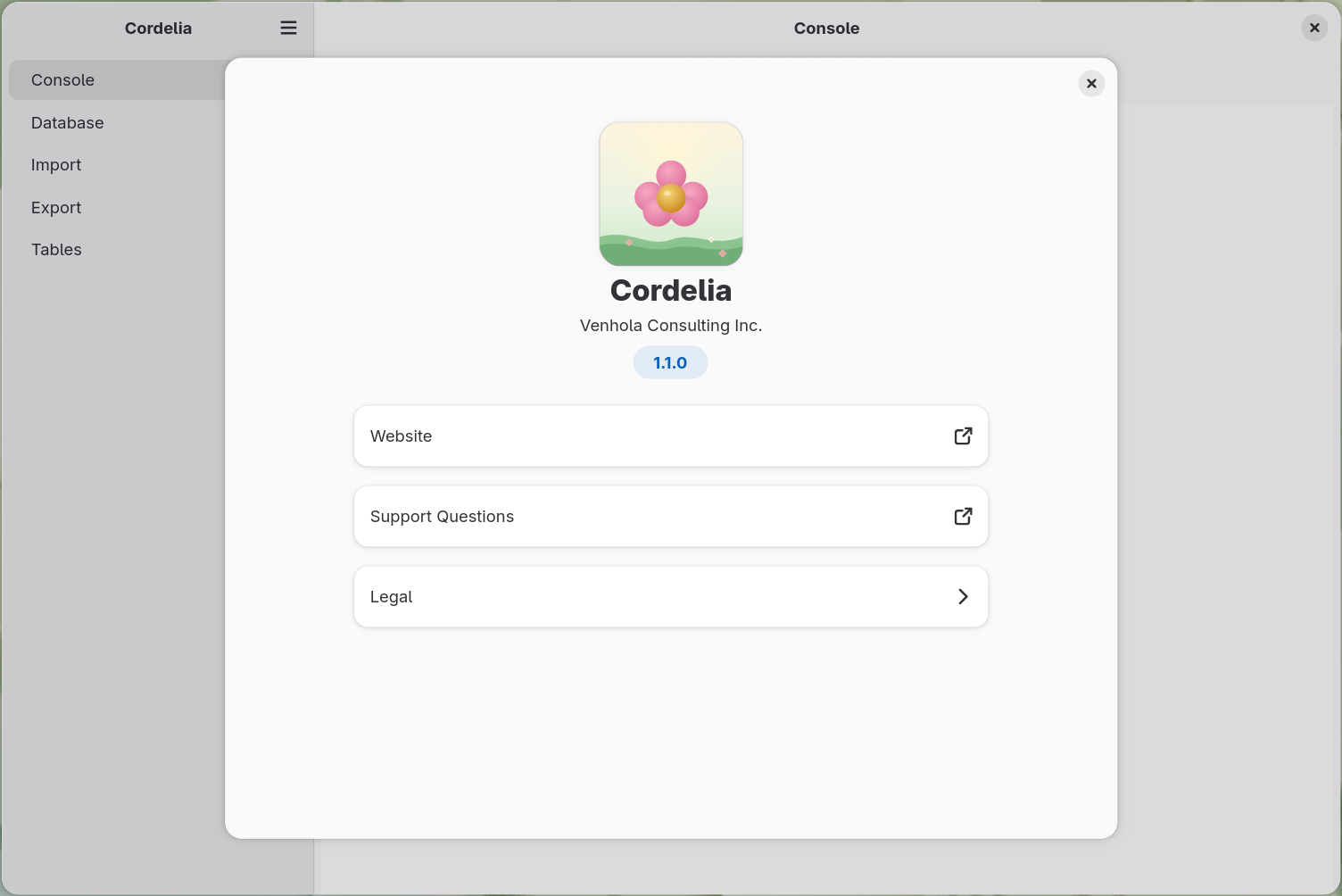
Open the header bar menu and choose About Cordelia to bring up this dialog from anywhere in the application.
What it shows
- Version number: the exact number to include if you're filing a bug report or feature request.
- Website: opens the main Venhola Consulting Inc. website in your browser.
- Support Questions: opens this help site's home page in your browser.
- Legal: opens the bundled license text for Cordelia itself and for each of the seven third-party components it uses: the Garmin FIT SDK, SQLite, zlib-ng, minizip-ng, GTK 4, libadwaita, and GLib. See the Cordelia License page for Cordelia's own terms in plain prose. The seven third-party components are shown here only in their original license text, with no dedicated help page of their own yet.
Third-party components
These are all the components from outside Venhola Consulting Inc. that Cordelia uses directly:
- The Garmin FIT SDK reads and writes
.FITfiles. - SQLite is the database engine behind every Cordelia database.
- zlib-ng and minizip-ng read
.ziparchives of.FITfiles, and write XLSX workbooks, which are zip files underneath. - GTK 4 and libadwaita draw Cordelia's window and dialogs.
- GLib saves your preferences and reads the files packed inside Cordelia, such as its license texts.
The Garmin FIT SDK, SQLite, zlib-ng and minizip-ng are built into Cordelia. GTK 4, libadwaita and GLib are not: they come from your Linux system, under the GNU Lesser General Public License. Legal shows the license text for all seven. This list stops at what Cordelia uses directly; GTK 4 and libadwaita rely on other libraries of their own, which come from the same place they do.
From the command line
Run cordelia --version in a terminal to print the same version number
without opening the window, followed by one line for each library Cordelia uses. curan,
regan, malvolio and goneril are the company's own libraries, fitsdk is the company's
packaging of the Garmin FIT SDK, and the rest are the third-party components listed above.
SQLite, zlib-ng and minizip-ng each come right after the company library that includes them.
The last three lines show the GTK, libadwaita and GLib installed on your system, so your
numbers may differ from these.
$ cordelia --version
cordelia version 1.3.3 uses
    fitsdk 21.214.0
    curan 1.0.1
    SQLite 3.53.4
    regan 1.1.0
    zlib-ng 2.3.3
    minizip-ng 4.2.2
    malvolio 1.2.0
    goneril 1.4.2
    GTK 4.22.4
    libadwaita 1.9.3
    GLib 2.88.3
cordelia --devinfo prints the same list with a build identifier after each
of the company's own components, which pins down exactly which build of each one you have.
This is the output to quote when reporting a problem. The identifiers change with every
build, so no example is shown here. See Bug Reports and Feature Requests.
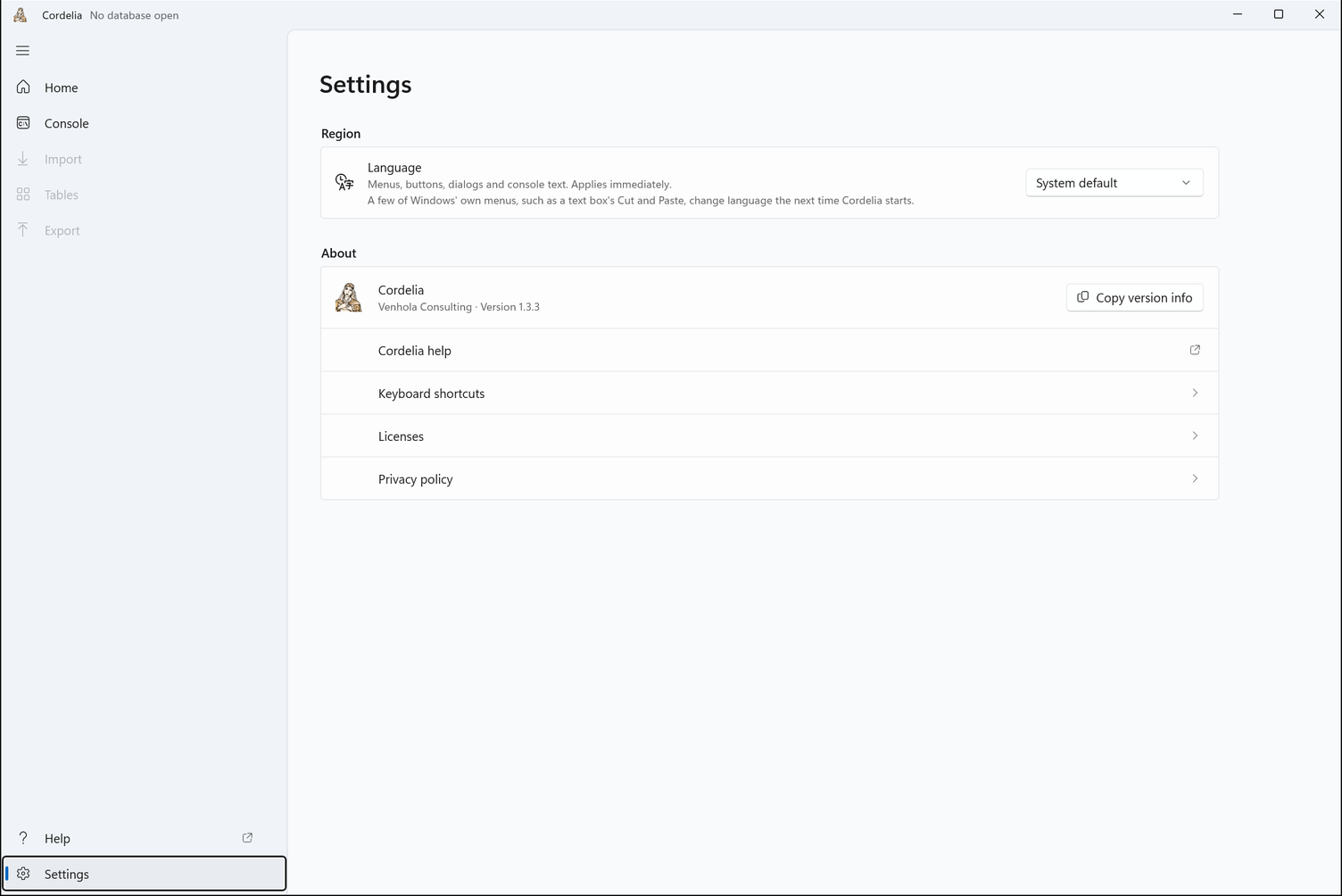
Choose Settings in the navigation panel. Its About section shows the version number, and Copy version info copies it for a bug report. Below it are Cordelia help, Keyboard shortcuts, Licenses, and Privacy policy.
Want to see what a Cordelia database looks like before importing any data of your own? See Example Cordelia Databases.