Editing the Data with Other Apps
Cordelia's own viewer is read-only by design, not as a temporary limitation. Other tools
already exist for viewing and editing SQLite content directly, and Cordelia doesn't try to
replicate them. It focuses on getting your .FIT data into the database
correctly in the first place.
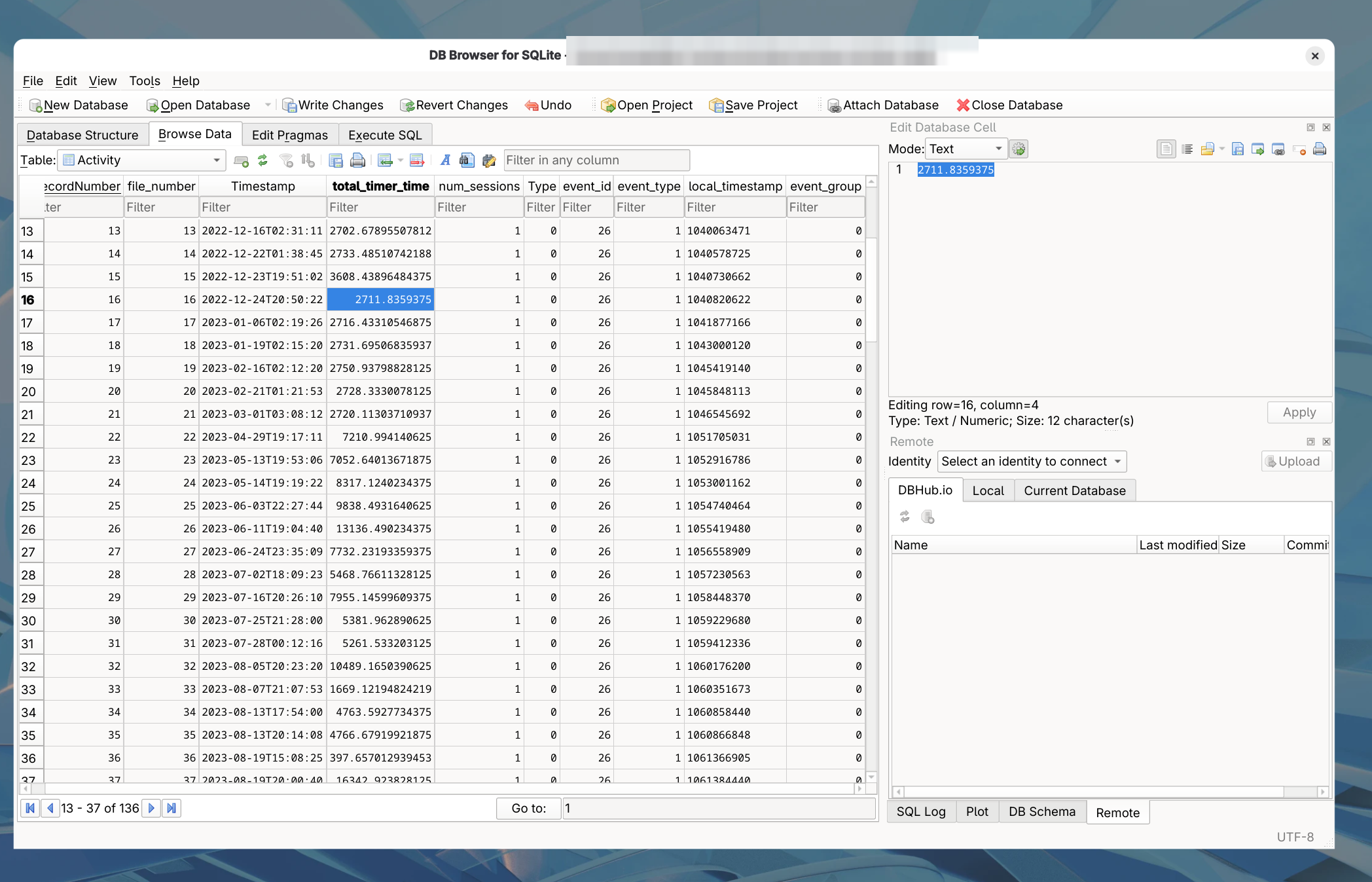
If you need to edit the data (correcting a mistaken field, removing a test activity, or
anything else), open the database file directly with a general
SQLite tool, such as DB Browser for SQLite,
Beekeeper Studio,
DBeaver, or the sqlite3 command line.
Edit with care. Cordelia expects the database's tables and columns to
match what it created. Keep a backup of the database file before making direct edits, and
avoid changing table or column structure; change only the data within existing rows.