The Cordelia Generated SQLite Database
Cordelia isn't available for macOS yet.
When Cordelia imports your .FIT files, it writes the results into a single
SQLite database file: an open, widely supported format. Nothing about it is proprietary to Cordelia or locked to any
particular tool.
What's inside
Each kind of FIT message (activity, session, lap, record, device information, and many more) becomes its own table, with one row per message and a primary key column Cordelia adds to identify each row. See The Data Dictionary for an introduction to the most common of these.
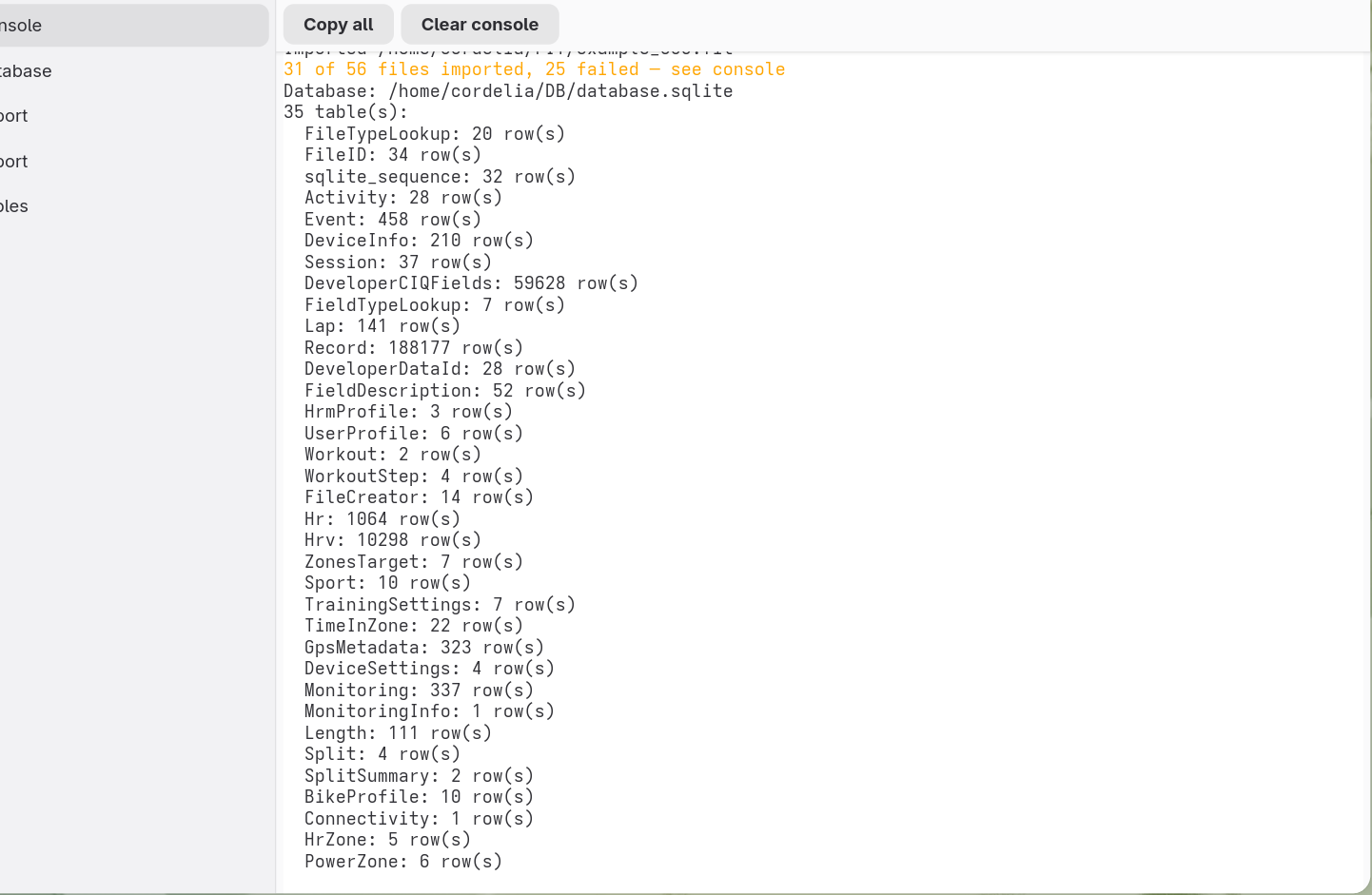
The console panel prints a table-by-table breakdown like this whenever a database is created or opened, so you can see at a glance what's in it without opening a separate tool.
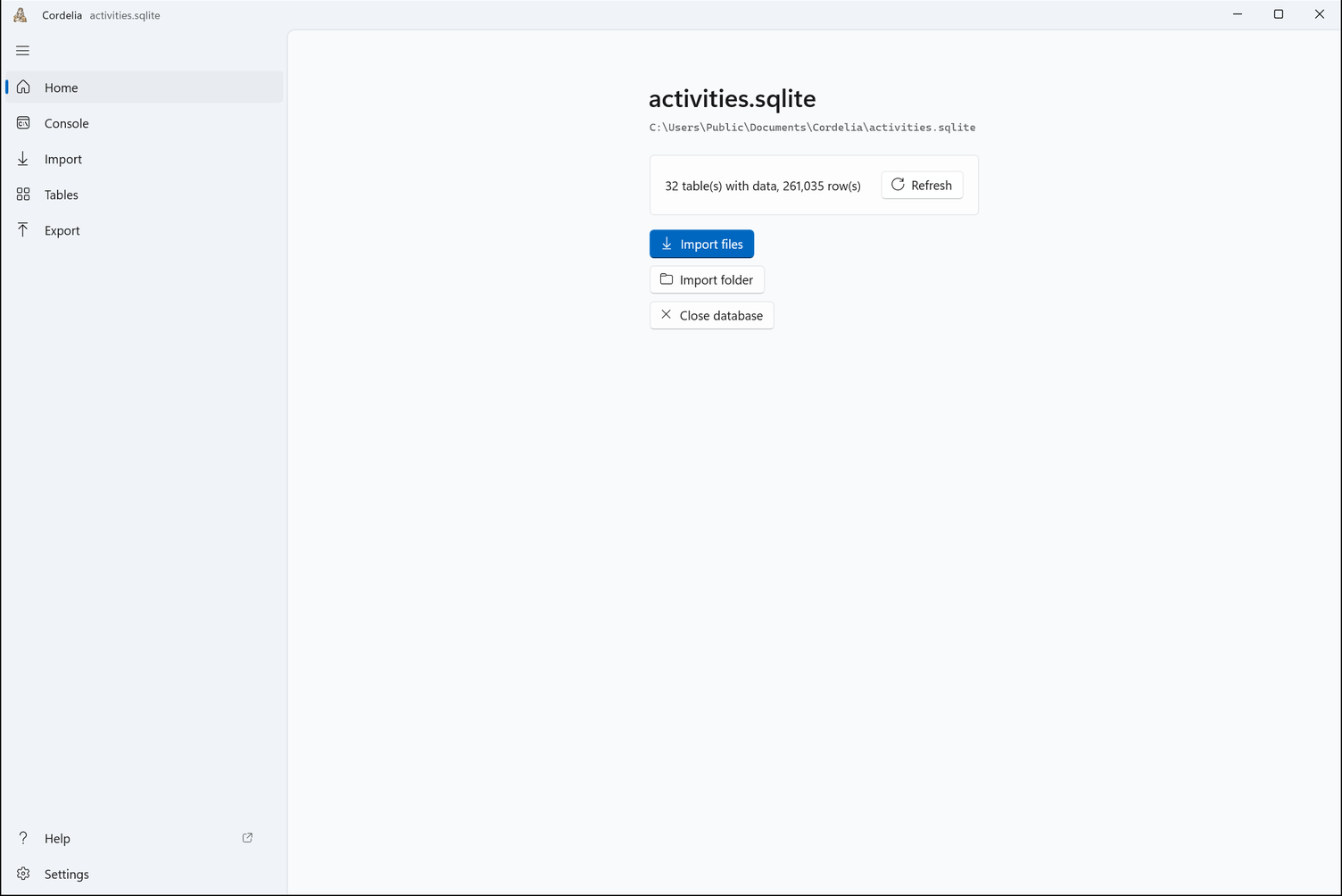
Home shows where the open database is and how many of its tables hold data. The console panel lists every table and its row count.
It's just a file
Because it's a standard SQLite file, you're never dependent on Cordelia to get at your own data. Any SQLite-compatible tool (a database browser, a scripting language, a spreadsheet with a database connector) can open it directly. See Generating Reports with other apps and Editing the Data with Other Apps for more on working with it outside Cordelia. Writing your own queries in Python? See antonio for worked examples against this same schema.
Where you keep the file, and how you back it up, is entirely up to you. Cordelia writes it only to the location you choose and never uploads it anywhere. See the Privacy Policy for the full detail.
The schema itself is also published as a plain .sql file of CREATE
TABLE statements. See The schema as SQL.