How to Obtain Input Garmin .FIT Files
Cordelia needs .FIT files to work with. It doesn't talk to Garmin's servers
itself (see Garmin Technologies), so you get the
files onto your own computer first, from one of these sources.
Directly from your device
Most Garmin devices act as a USB mass-storage drive when connected to a computer with a cable. Once connected, the activity files are typically found under a path like:
GARMIN/ACTIVITY/
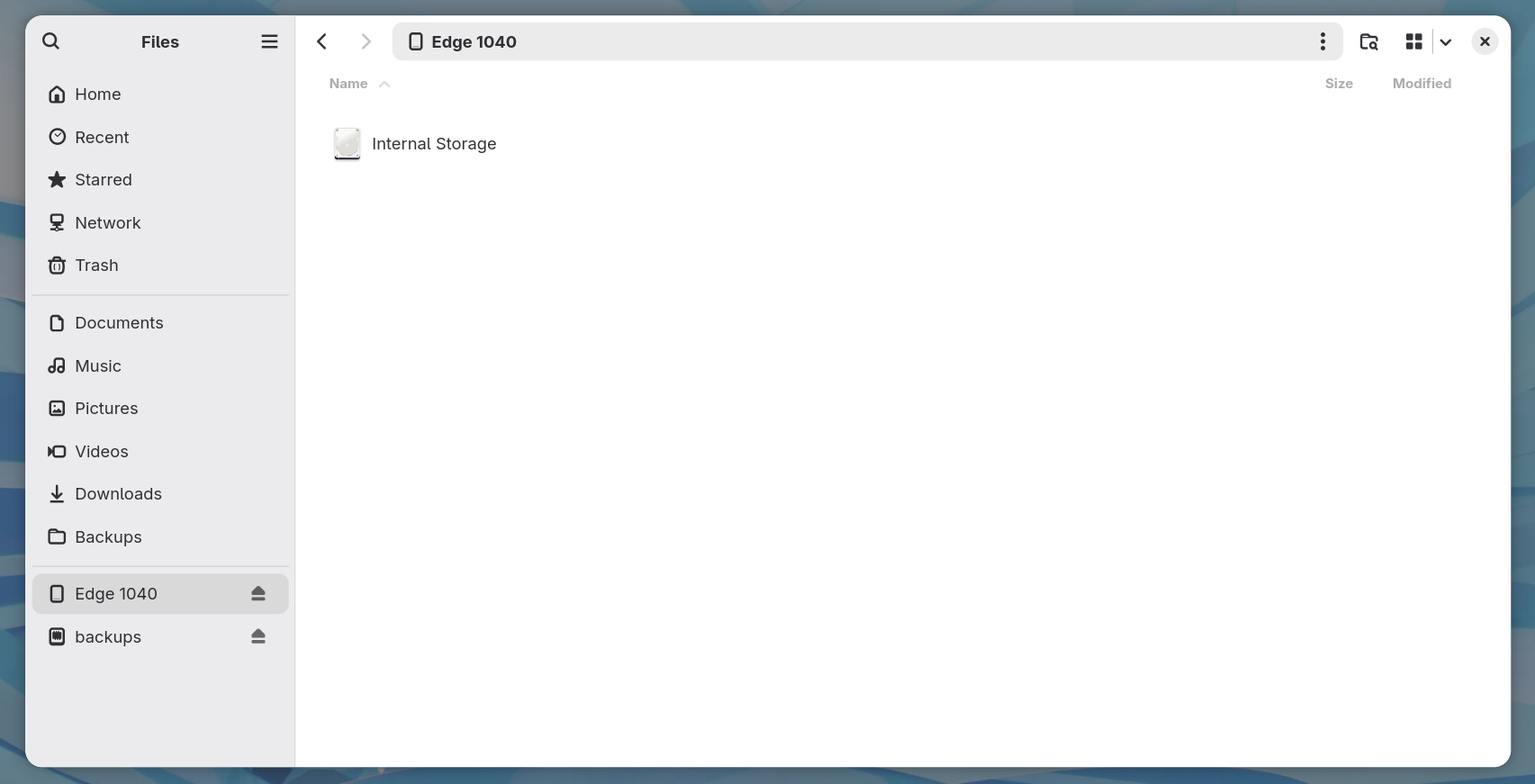
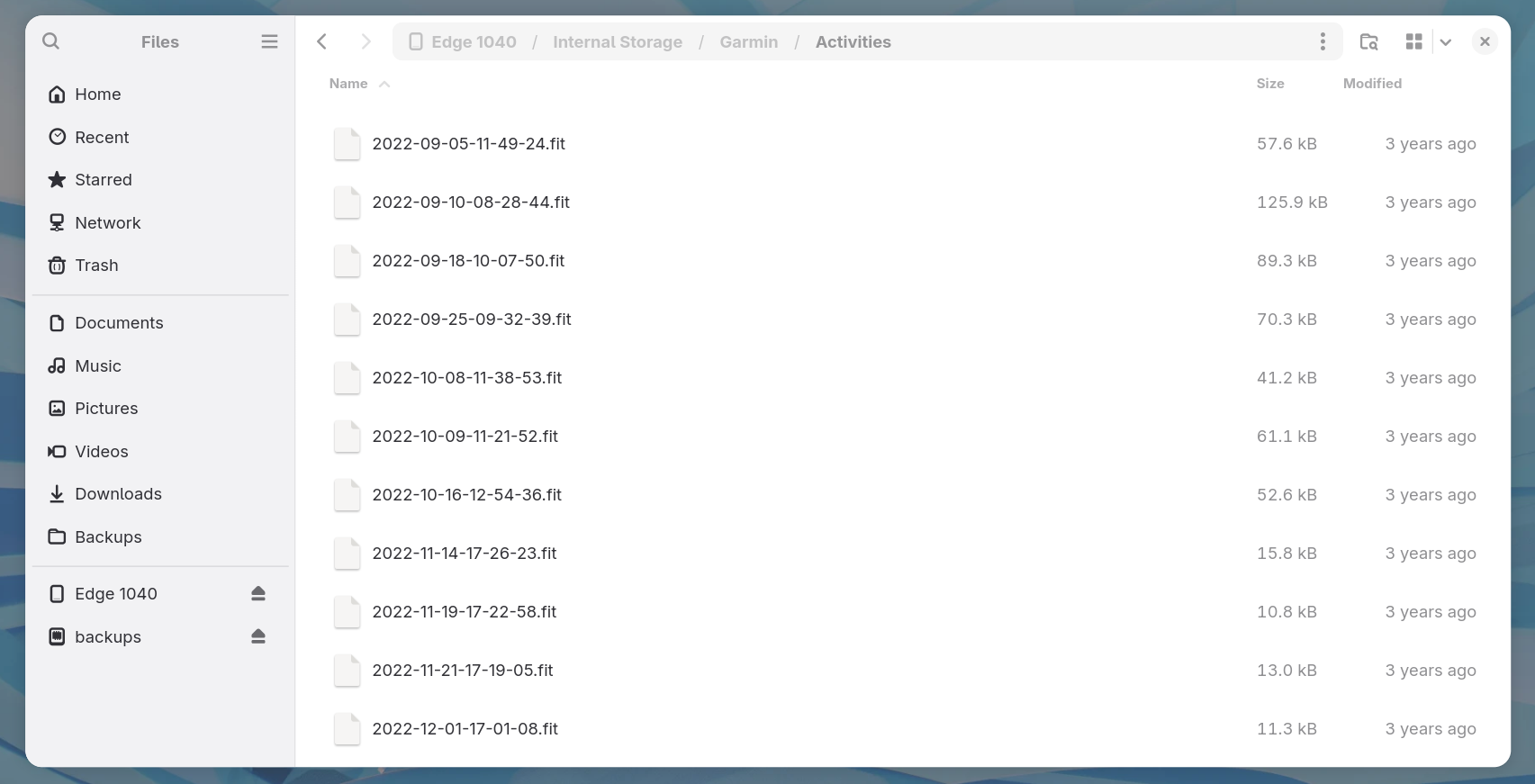
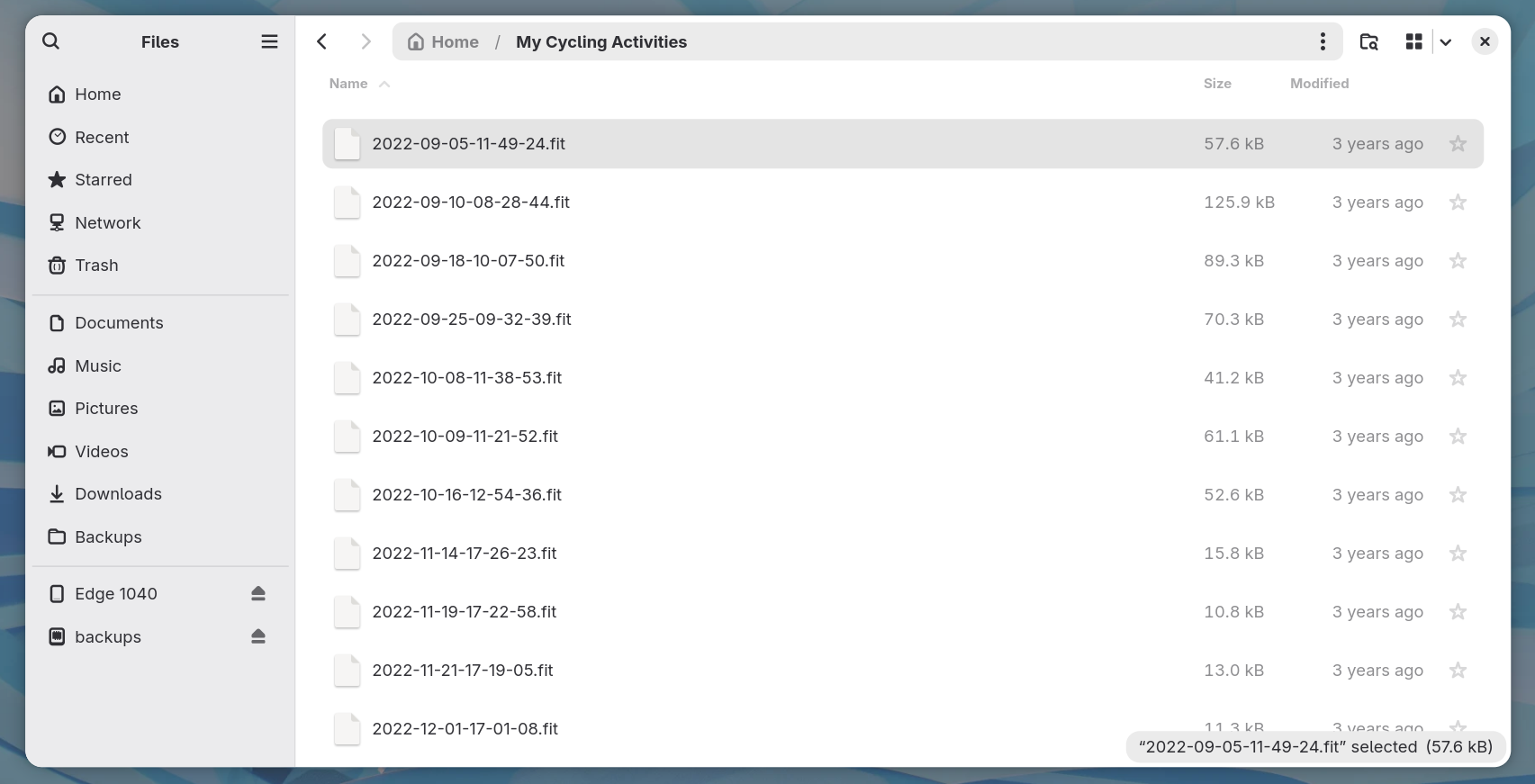
Copy the .FIT files you want from that folder to anywhere on your own
computer. Exact folder names can vary slightly by device model and firmware.
Exporting from Garmin Connect
If your activities already sync to Garmin Connect, you can export individual activities
as .FIT files. Go to the activity's page in Garmin Connect (web or mobile), and
use its export or "download original" option. Check Garmin's own documentation for the
exact menu location. Garmin Connect's interface changes over time, and Cordelia has no
control over it.
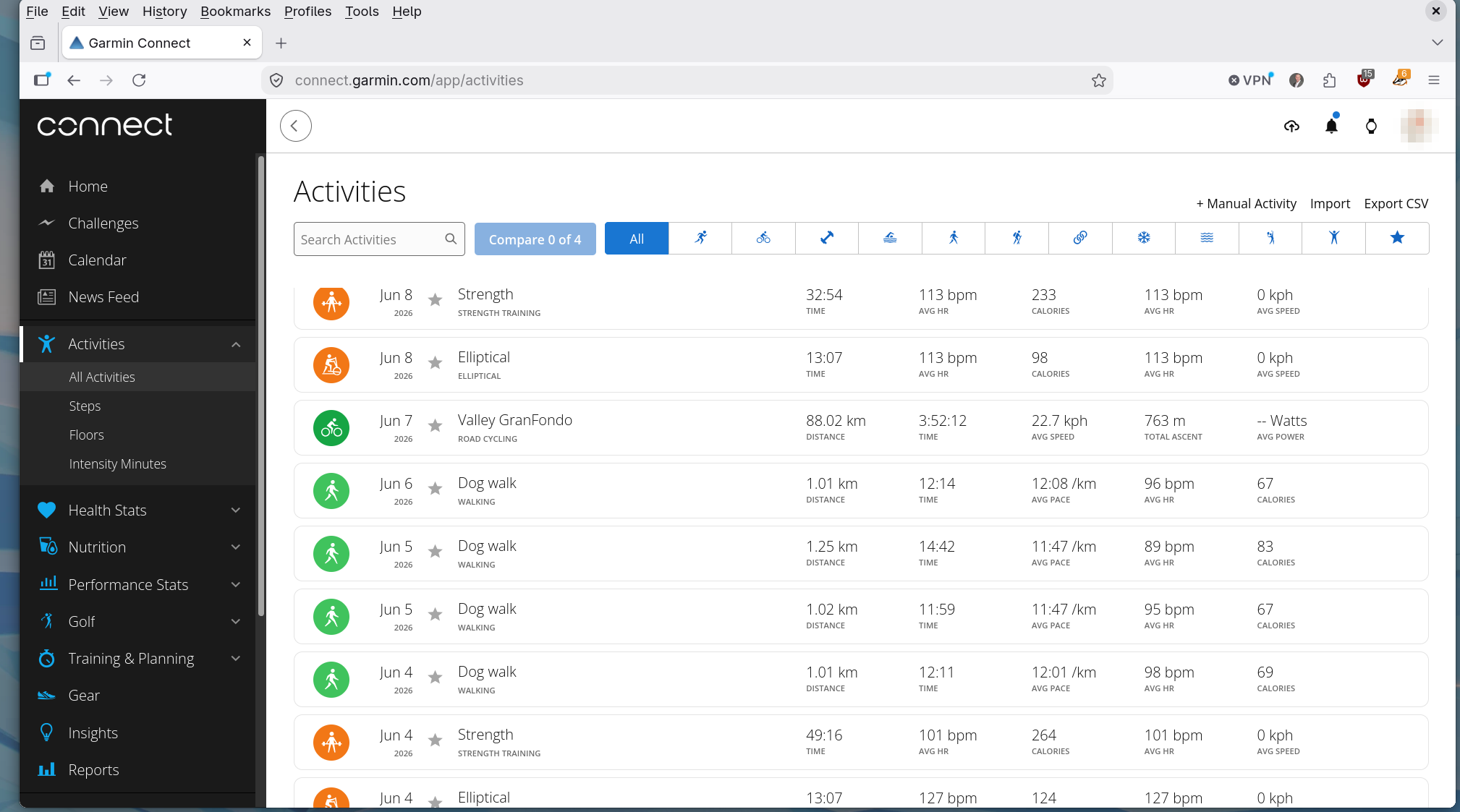
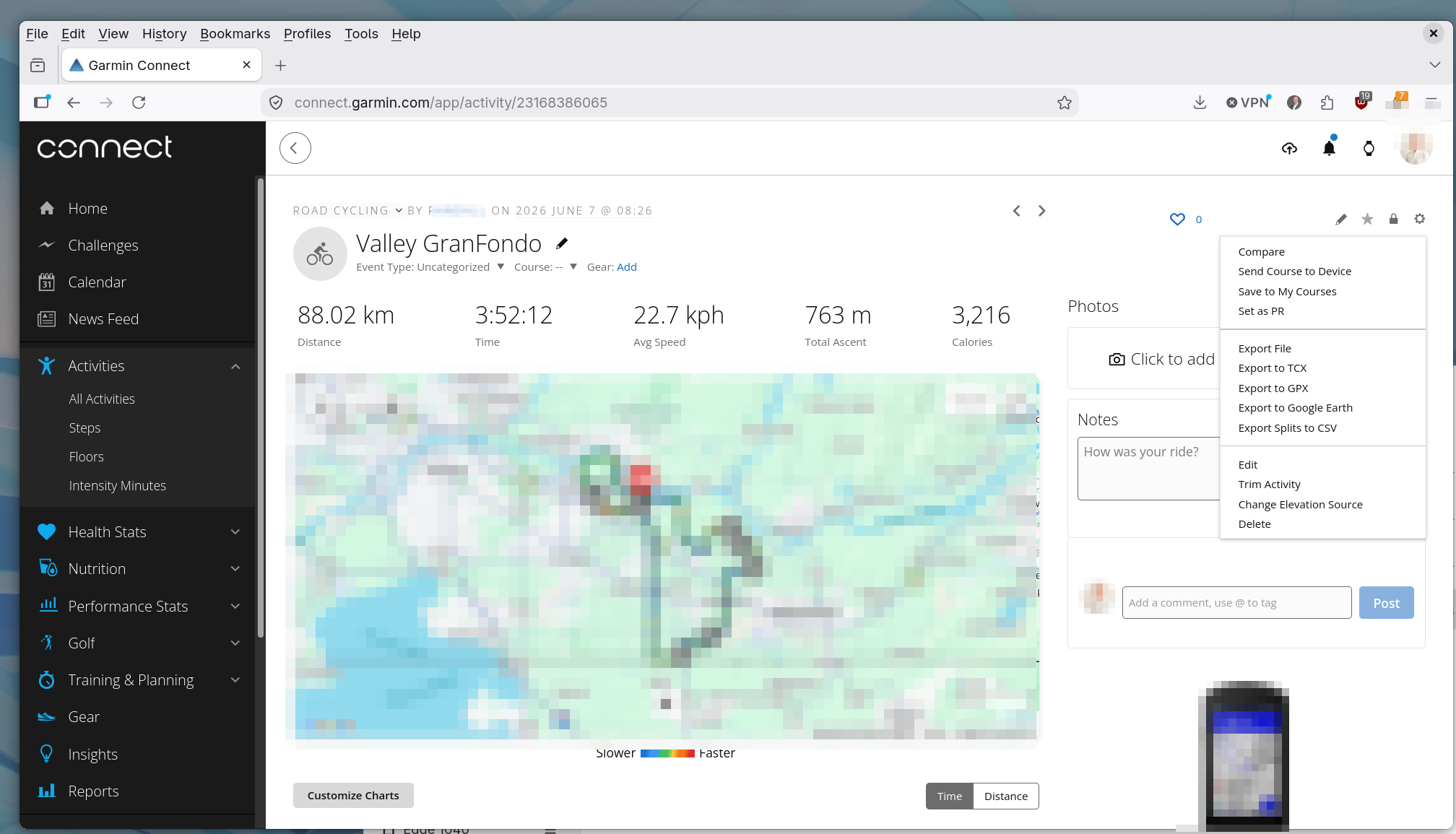
This step happens in your browser, entirely outside Cordelia.
Next step
Once you have .FIT files on your computer, see
How to Import .FIT Files into Your Cordelia
Database.