Exporting .FIT Files
To export .FIT files:
- Create or open a database.
- Choose Export in the navigation panel.
- Choose Export FIT, alongside the JSON, CSV, and Excel export buttons in the same panel.
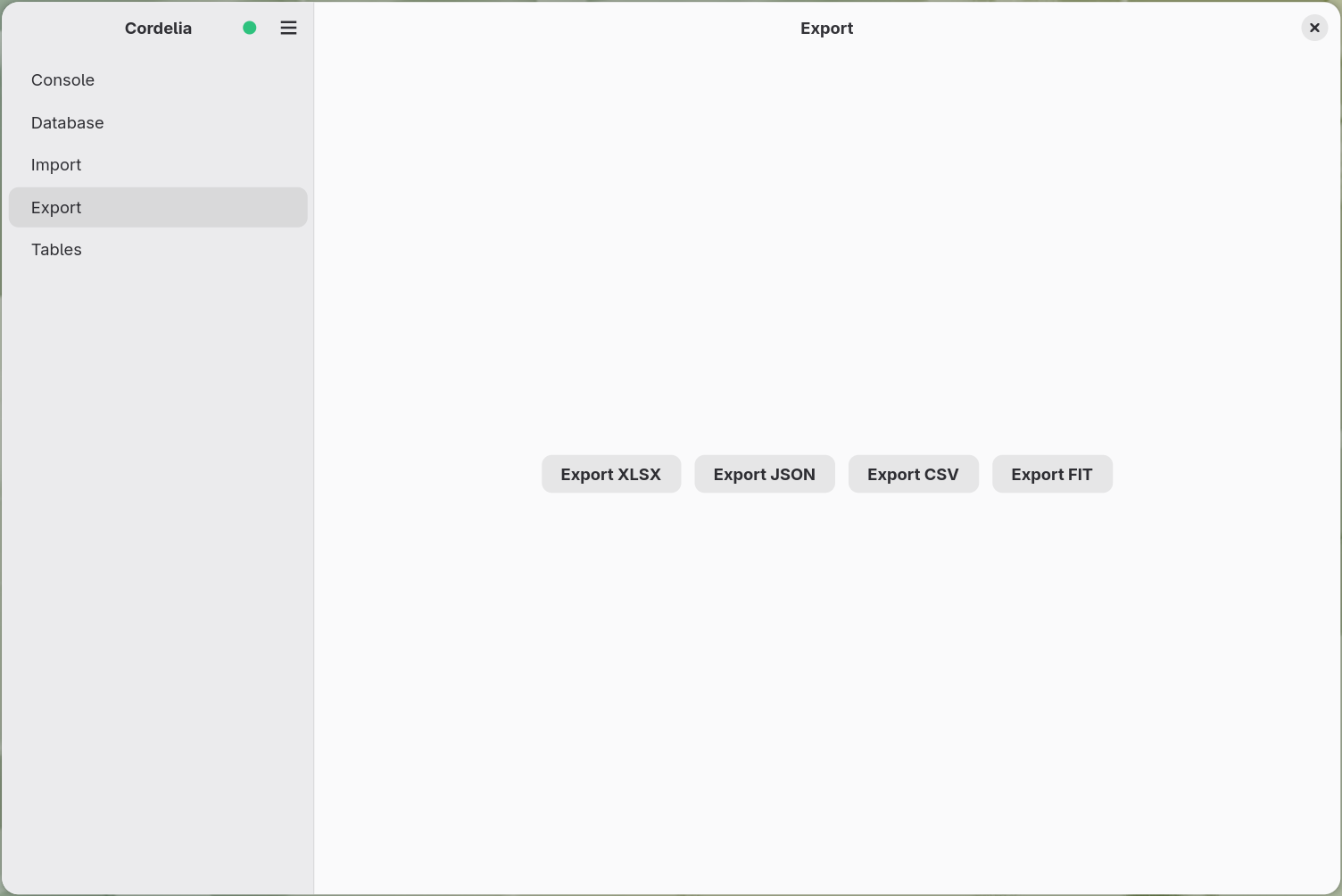
This re-exports the database's contents back out as .FIT files, useful for
round-tripping data into other tools that expect Garmin's native format rather than JSON,
CSV, or Excel. Progress is reported in the console panel,
the same as for imports and other exports.