
Preferences
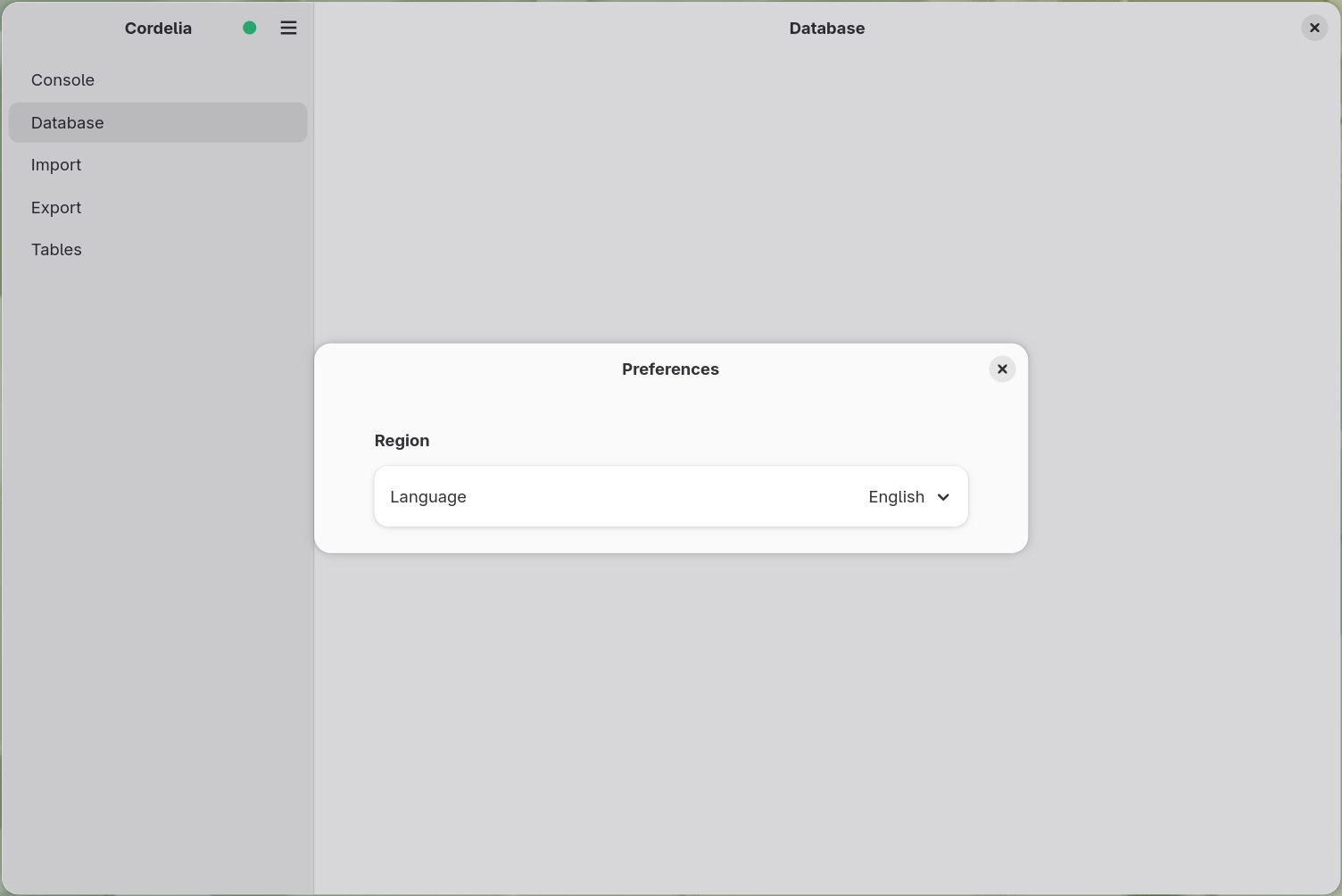
Cordelia's app-wide settings, currently just the interface language.
Cordelia isn't available for macOS yet.
Open the header bar menu and choose Preferences to bring up this dialog from anywhere in the application.
Choose Settings at the bottom of the navigation panel.
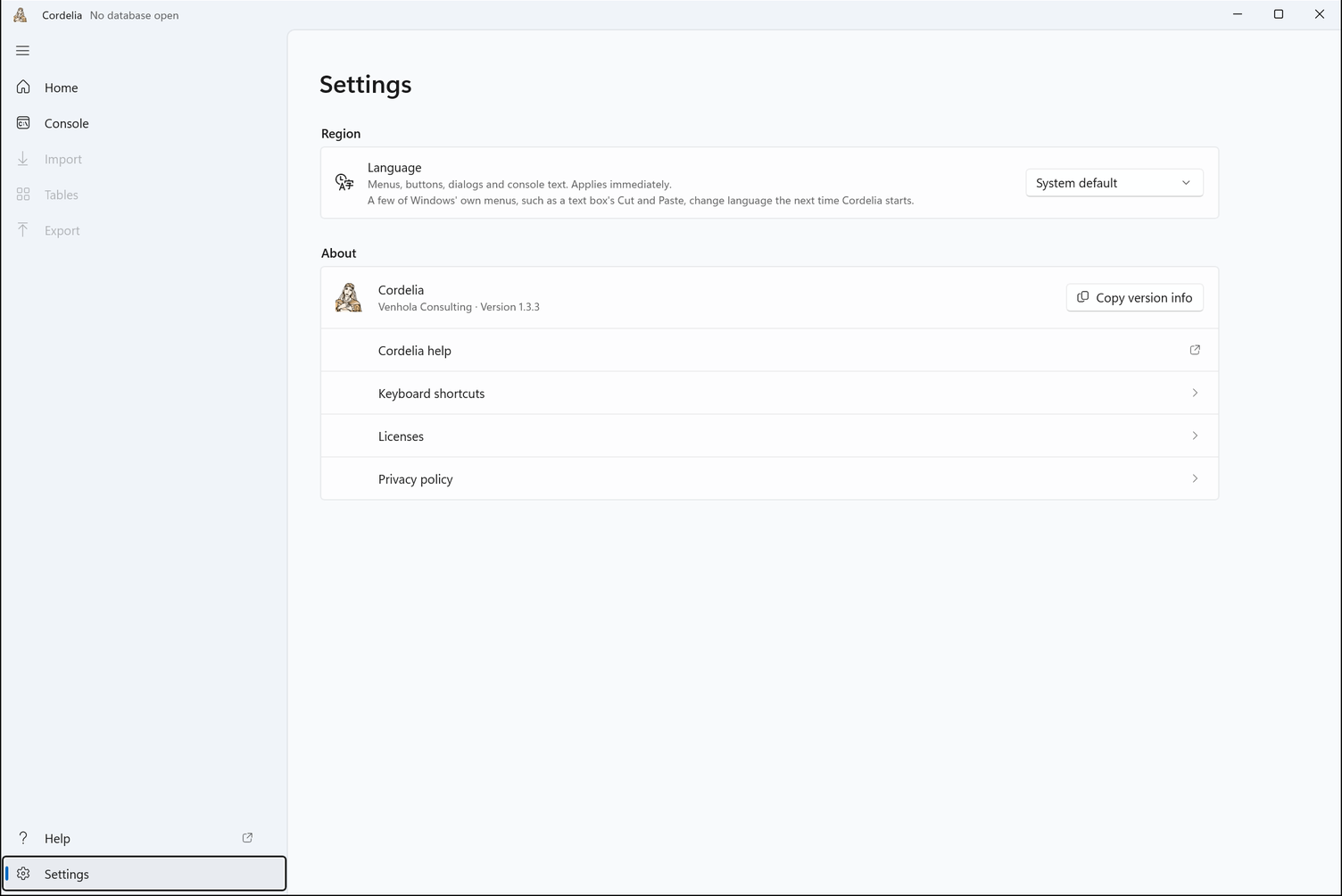
Region
The Language dropdown sets Cordelia's own interface language: menus, buttons, dialogs, and labels throughout the application. Changing it takes effect immediately, without restarting Cordelia.
A few of Windows' own menus, such as a text box's Cut and Paste, change language the next time Cordelia starts.
This setting also controls the language of text printed to the console, with one exception: a small number of crash messages stay in English regardless of this setting. See The Console Panel for why.