
The Console Panel
Cordelia isn't available for macOS yet.
The console is the default view on launch, and the place every other action reports back to.
Choose Console in the navigation panel. Every other action reports back here.
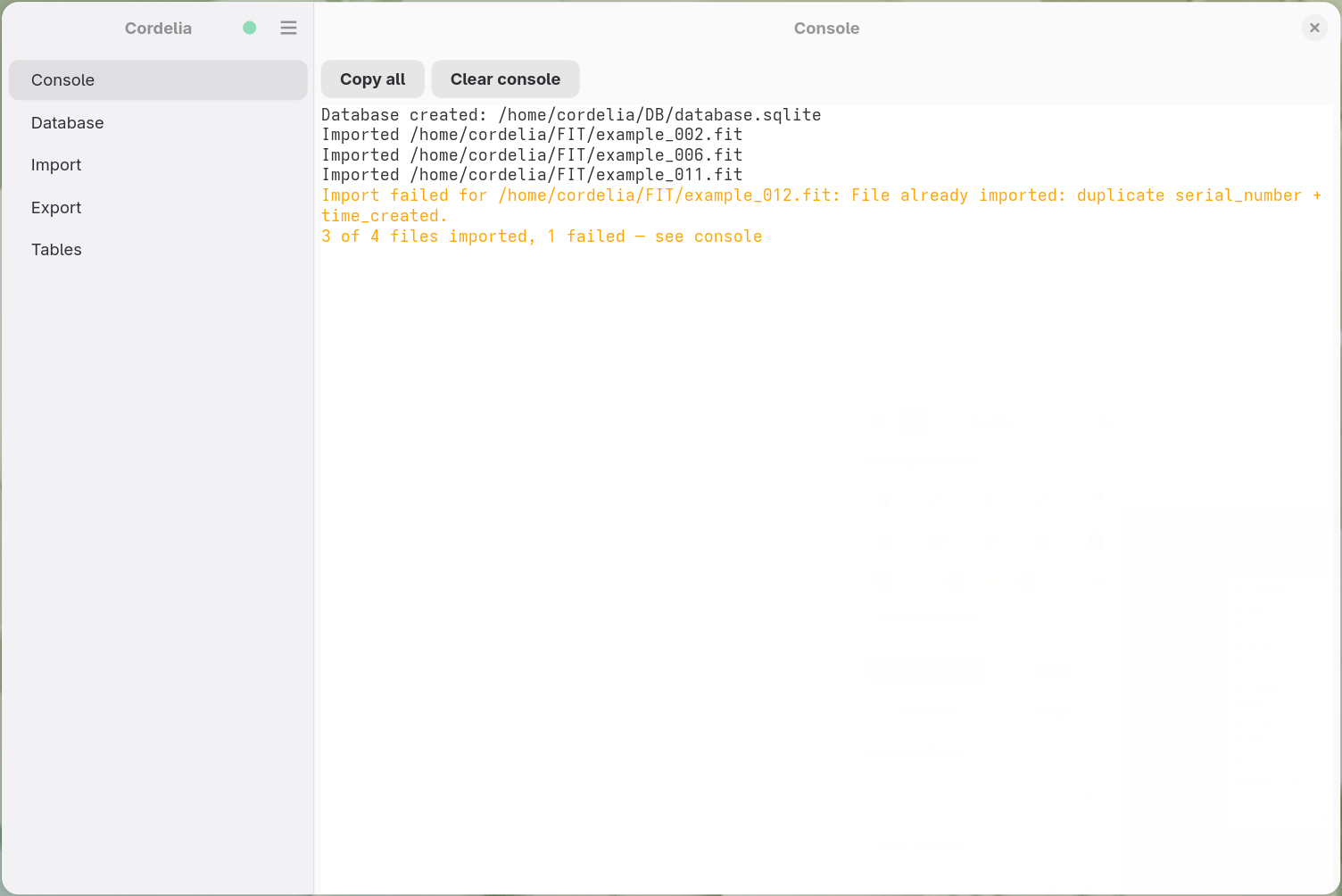
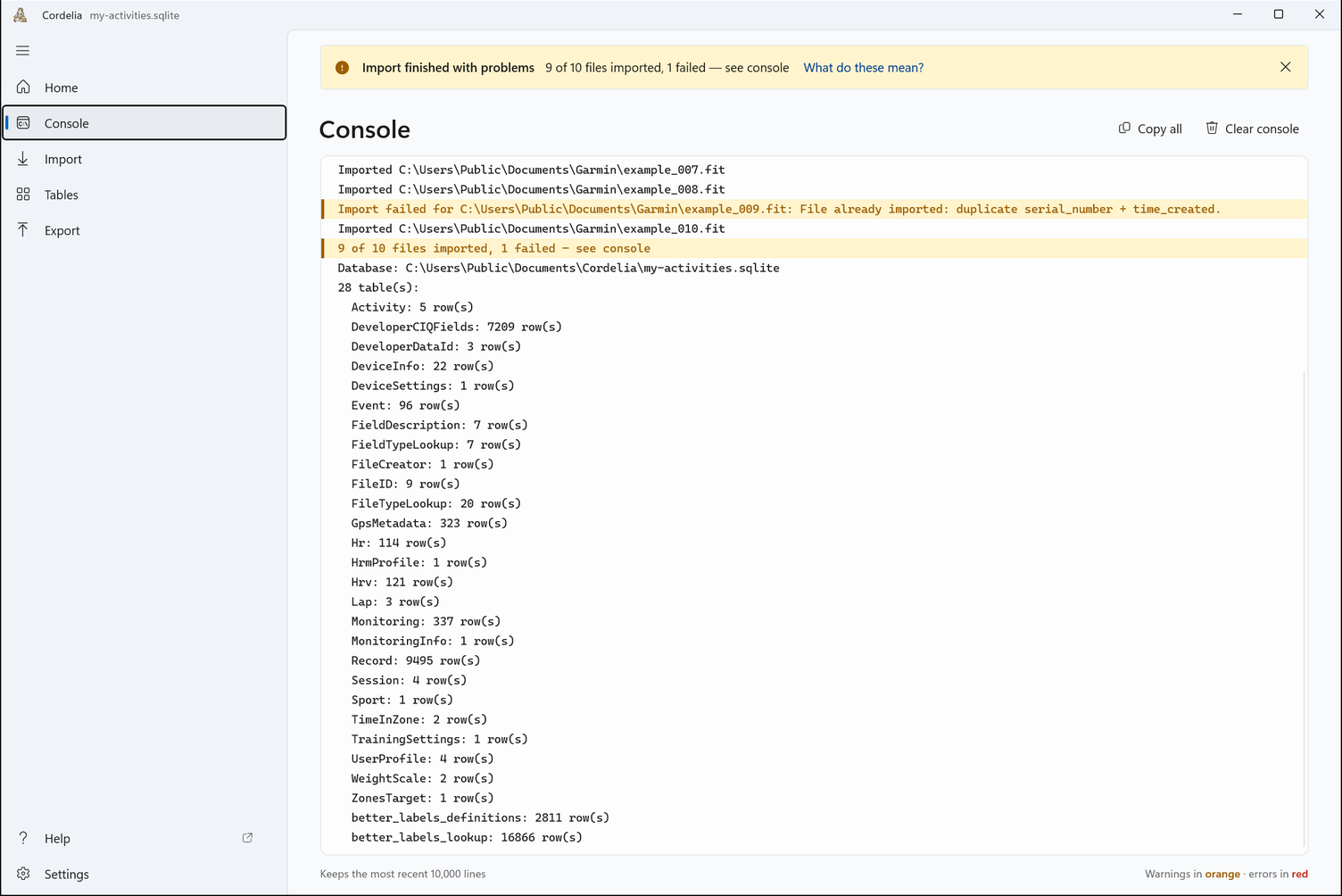
What it shows
A scrolling, read-only text area, similar to a traditional stdout/stderr log. As you
create or open a
database, import .FIT files, or export your data, Cordelia prints a running
account of what it's doing, including anything worth flagging along the way. See
Warning Messages and Error
Messages for what those lines actually say.
Console text now matches whichever language Cordelia's interface is set to, the same as the rest of the app. A small number of crash/terminate messages stay in English regardless of interface language, on purpose. They only appear right before Cordelia aborts, and an English crash log is more useful if you paste it into a bug report.
Lines are colored by severity: errors in red, warnings in orange, everything else in the normal text color. This makes problems easy to spot, even while the console is scrolling quickly during a large import.
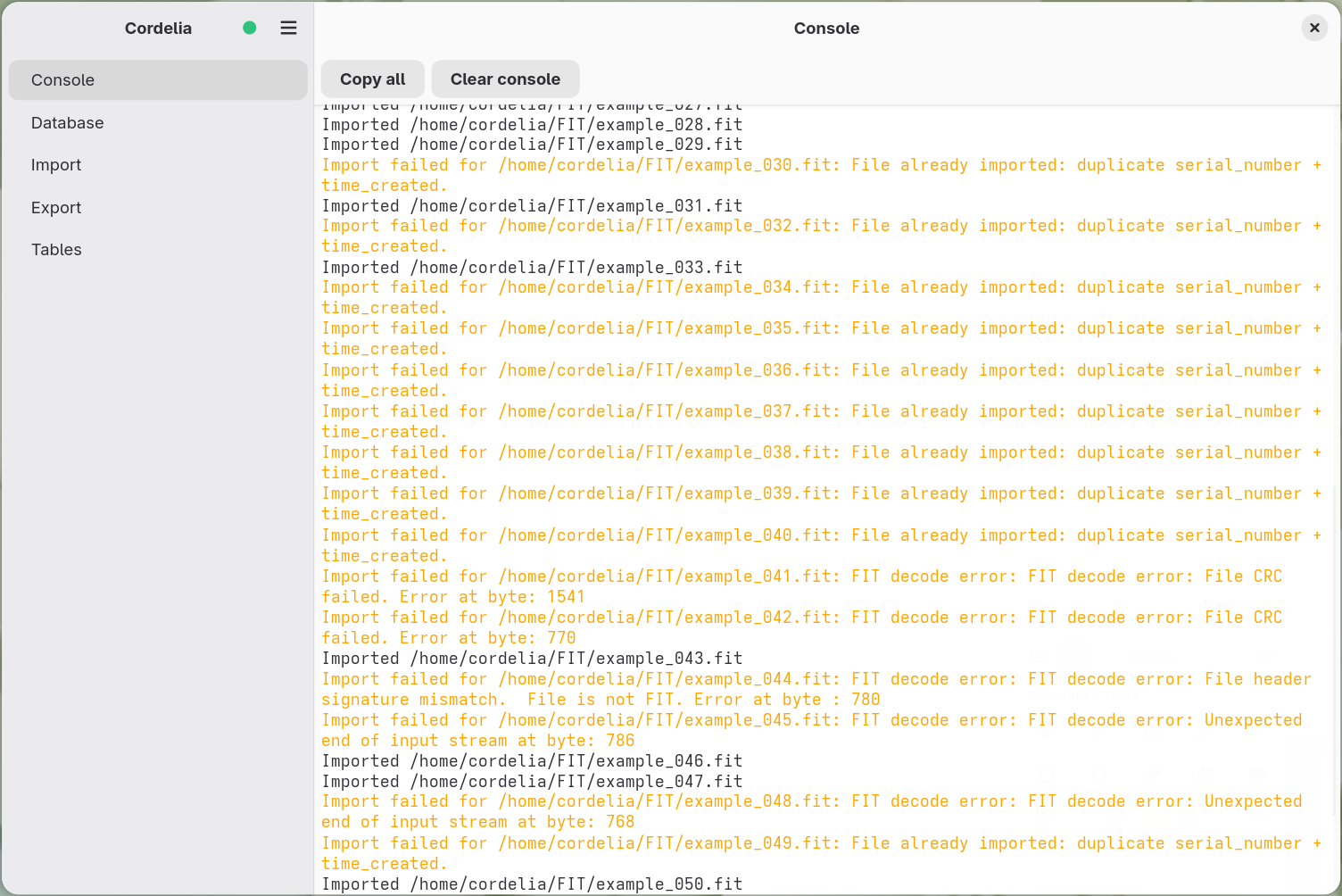
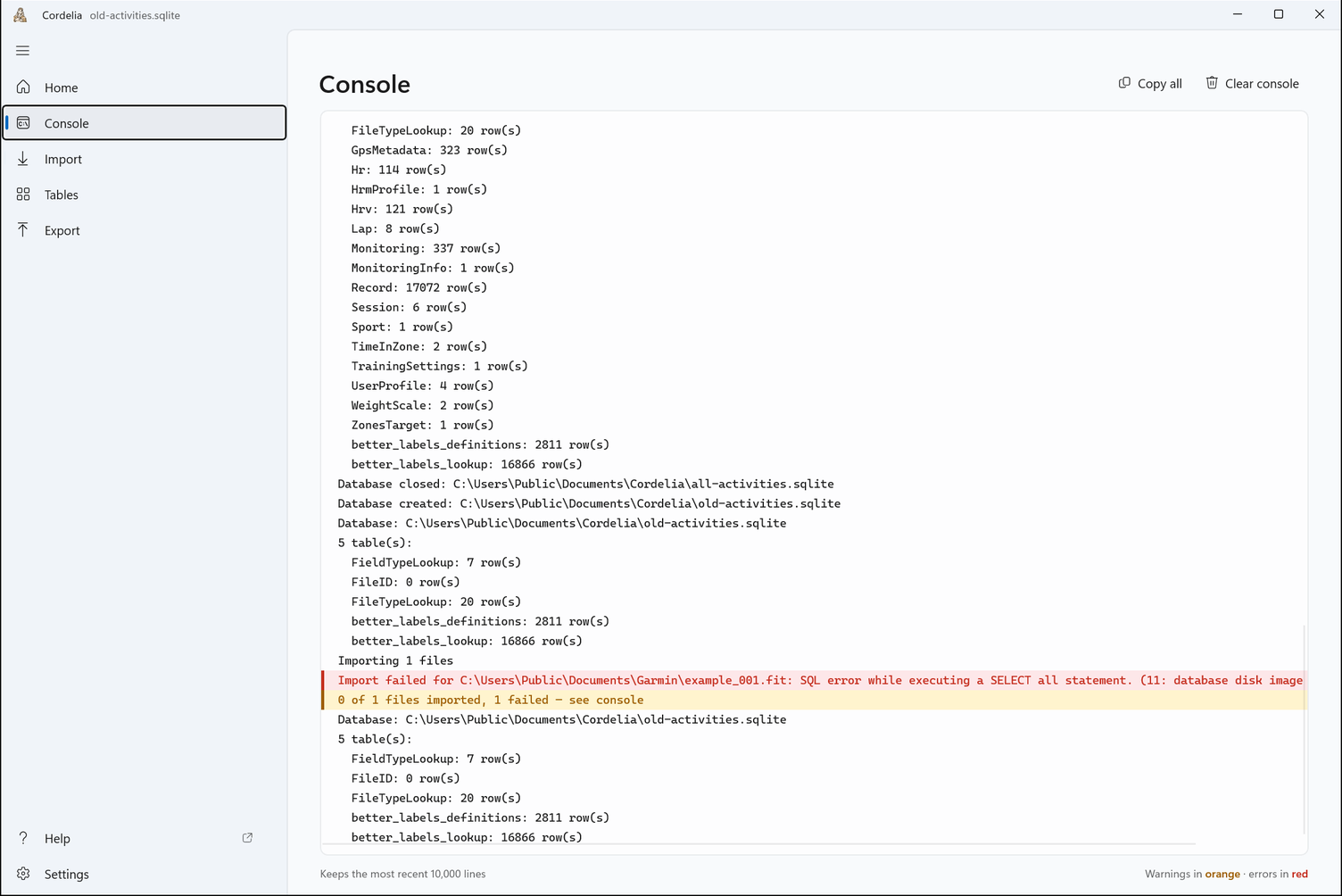
Working with the text
The text itself is selectable and copyable. A Copy all button in the toolbar copies the whole console in one click, handy when reporting a problem (see Bug Reports and Feature Requests). A Clear console button is there for long sessions, once you don't need the earlier history anymore.
How much history it keeps
The console keeps the most recent 10,000 lines. This bounds memory during a large directory import, since thousands of files can generate a lot of output. Once that cap is reached, the oldest lines quietly drop off the top as new ones arrive.